Sign In to K8s Sentinel
After installation, open the K8s Sentinel console in a browser using the access URL to reach the login screen.
Login Screen
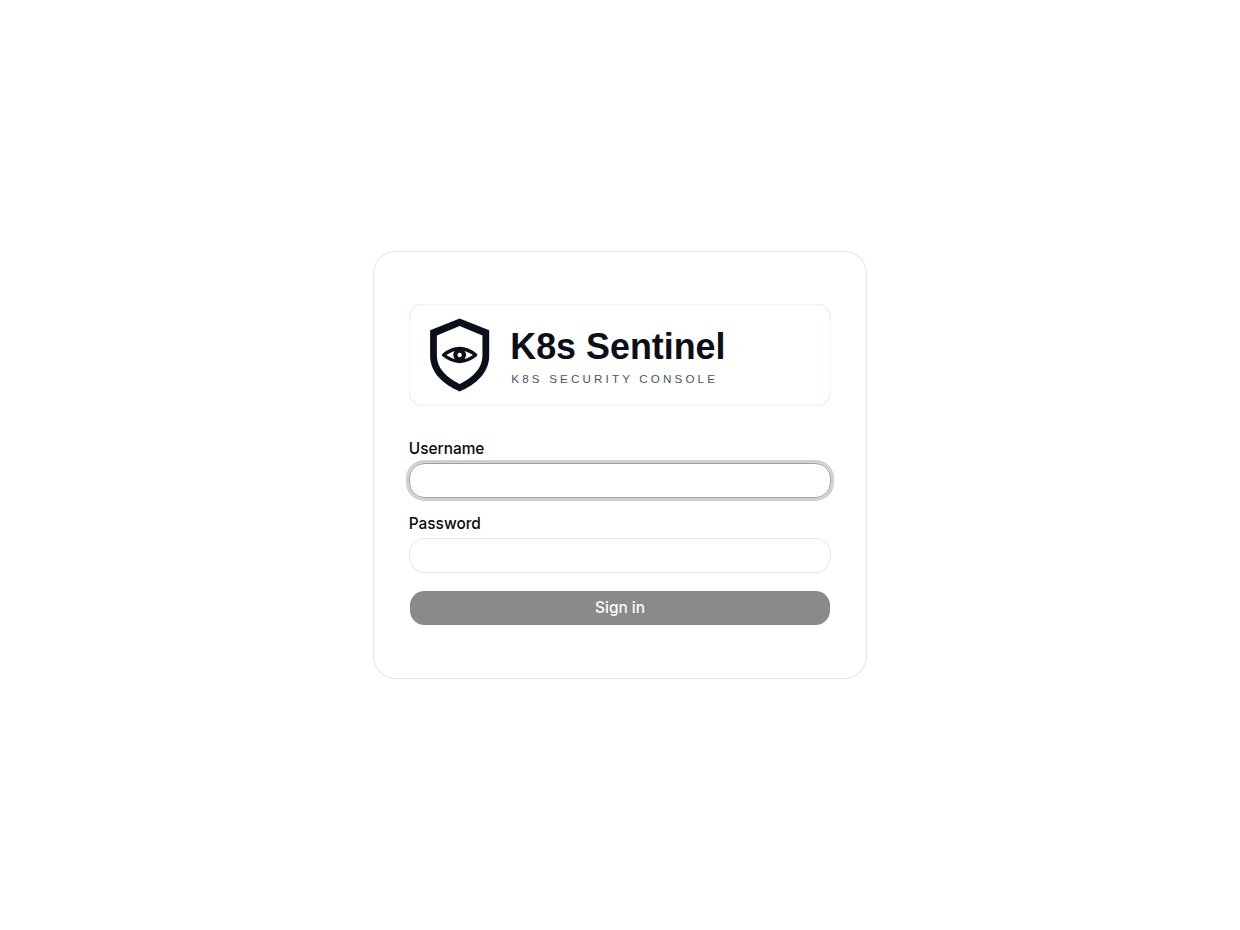
Default Credentials
Use the default account for the first login:
| Field | Default |
|---|---|
| Username | admin |
| Password | admin |
Enter them and click Sign in.
First Login Requires a New Password (v0.47+)
On the first sign-in with the default admin / admin, the console forces you to set a new password before it opens:
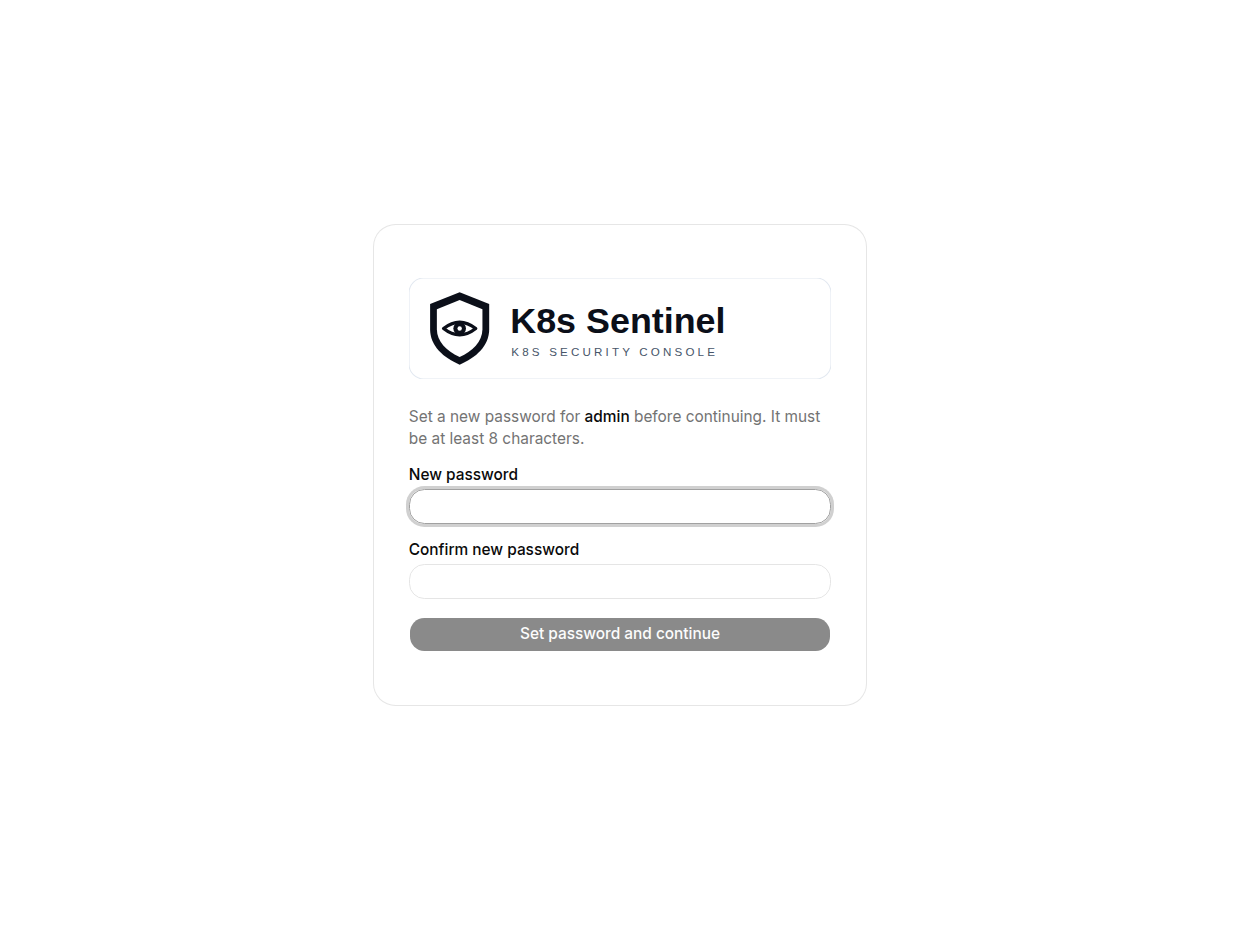
| Field | Description |
|---|---|
| New password | The new password, at least 8 characters |
| Confirm new password | Repeat the new password |
Click "Set password and continue" to enter the console.
Since v0.58.1 this screen no longer asks for the current password: it only appears seconds after signing in with the public bootstrap password, so asking again proved nothing. The skip applies only while the forced-change flag is set; once it clears, changing your own password requires the current one as before (protecting against a hijacked session).
This gate is enforced server-side: while the flag is set, the backend only allows reading your own account info and changing your own password; there is no way around it. The flag clears once the password changes.
Without Persistent Storage (PV / PVC) configured, account data lives in an emptyDir and reverts to the default admin / admin when the Pod restarts, so the first-login flow runs again.
Login Security
| Mechanism | Description |
|---|---|
| Login rate limit (v0.47+) | Failed logins are throttled per source IP (5 per minute, then a brief block). Keyed on the source rather than the username, so an attacker cannot lock a real user out by deliberately failing their login |
| Login auditing (v0.48+) | Every sign-in attempt (success, wrong credentials, rate-limited) is recorded in the Audit Log with the targeted account and the source IP; the password is never recorded |
| JWT authentication | On success a token is stored in the browser's localStorage and sent as the Authorization header on every API request. When it expires (Session Timeout defaults to 3600 seconds) you are logged out automatically. Since v0.53 the JWT_SECRET environment variable can pin the signing key so a Pod restart no longer logs everyone out |
The source IP for rate limiting and audit records is taken from the connection itself (RemoteAddr) by default. If K8s Sentinel runs behind a proxy or Ingress that sets X-Forwarded-For, set the environment variable TRUST_PROXY_HEADERS=true on the Sentinel container so the real client IP is used (v0.50+).